Internal Grower Resources
Written by: ForGround by Bayer
ForGround by Bayer Resource Center
- How To Add Fields In FieldView
- How To Enroll in the Bayer Carbon Program
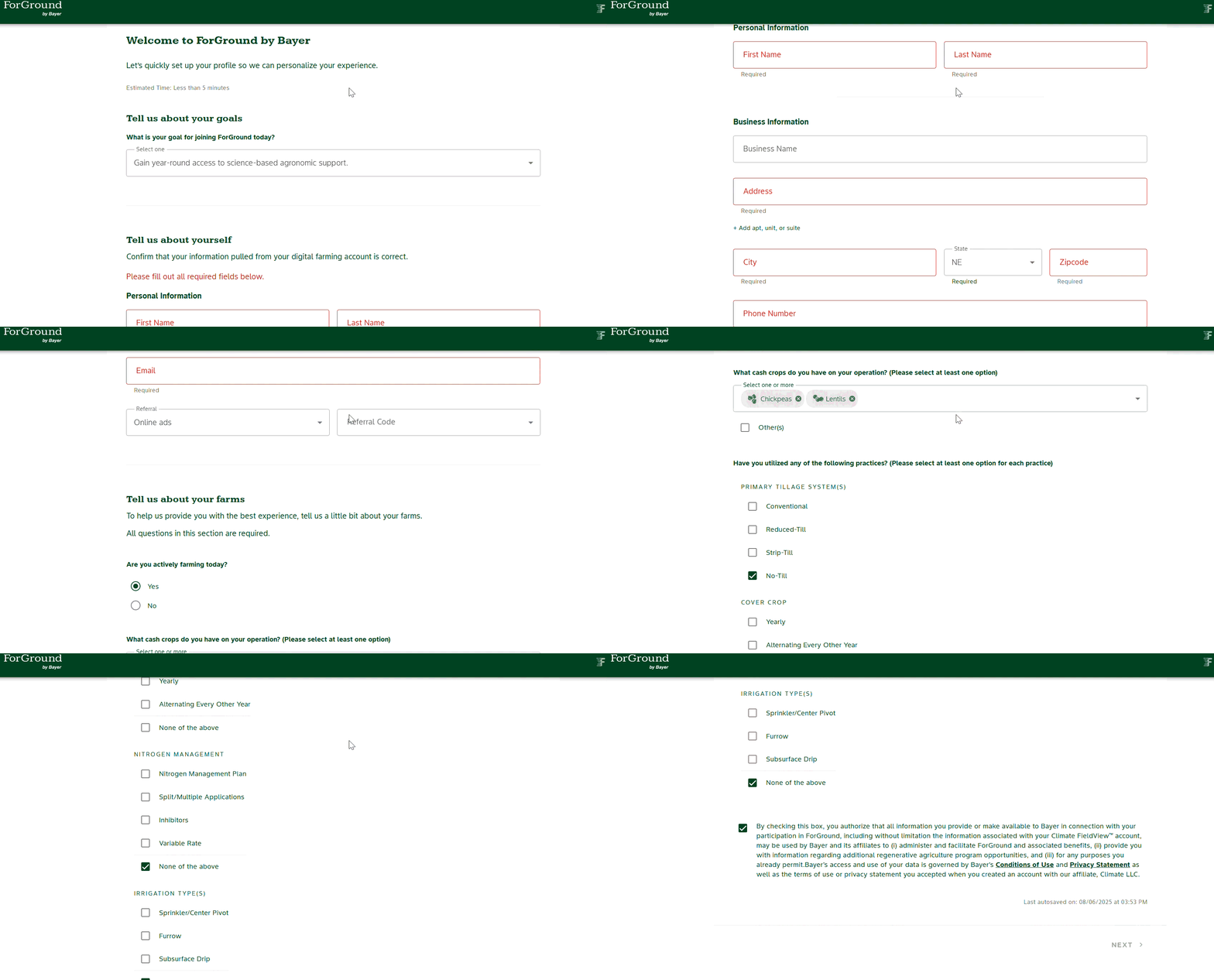
- How to Sign-up for ForGround in Under a Minute
FieldView Knowledge Center
The FieldView knowledge center site has many different how-to documents and videos.
Climate FieldView Knowledge Center
- Every article in the knowledge center is grower facing, so you can share links directly with growers.
- Feel free to use the search bar to look for something specific, such as “export data from Case IH Pro 700”
Map Fields, Export Fields & Import Fields
Map Fields
This is a how to video and document on how to draw and edit boundaries in FieldView
Managing Field Boundaries (Mapping, Editing, and Deleting) in Climate FieldView™
Connect John Deere Ops Center to FieldView
This guide provides steps for connecting your accounts to send data from John Deere to FieldView. Click here for steps on connecting your accounts for data retrieval from FieldView to John Deere. This is a connection via API, you can also manually export data out of John Deere (see the next item in the list)
Connecting Your John Deere Operations Center Account with Climate FieldView™
Export From John Deere Ops Center
Step-by-step guide showing how to export from John Deere Operations Center and upload into FieldView™ Data Inbox.
Manually Exporting Operational Data From John Deere Operations Center
Import Fields
This walks through how to import data from a different source into Fieldview. For example, if a grower is using a different system (John Deere, Case, Ag Leader, Precision Planting, etc) You can export files from those systems and import them using this method. If you are looking for export steps for a specific system, simply use the search box and search something like “Export data from Precision Planting 20/20”
How to Upload Historical Data Via Data Inbox
Compatible Software
List of all data types and precision ag software compatible with FieldView
For Advanced Support
The below list of items can be provided by emailing the Climate FieldView Support Team. For data privacy, please ensure you have a grower’s consent to perform these tasks.
- View a grower’s FieldView account without having a username or password (the email address affiliated with the FieldView and carbon account is needed)
- Ability to see all data within the FieldView account (planting, harvest, etc)
- Export boundaries out of a grower’s FieldView account
- Copy fields from one FieldView account into another. Email addresses for both account are needed. (This is helpful if a grower shares a FieldView account with multiple growers and wants their carbon enrollment separate).
- Ability to look up if there is a data upload failure
- Ability to look up the type of FieldView subscription a grower has
- Ability to see field names, UUIDs, and grower IDs active and deleted within FieldView
- Ability to see merge and delete histories on fields
- Ability to look up contact information affiliated with a FieldView account
Additional Support If Needed
Please utilize this Jira Link to fill out a ticket to request access.
FieldView™ is a trademark of Climate LLC. Bayer and Bayer Cross are registered trademarks of Bayer Group.
MyForGround.com Onboarding Step 1